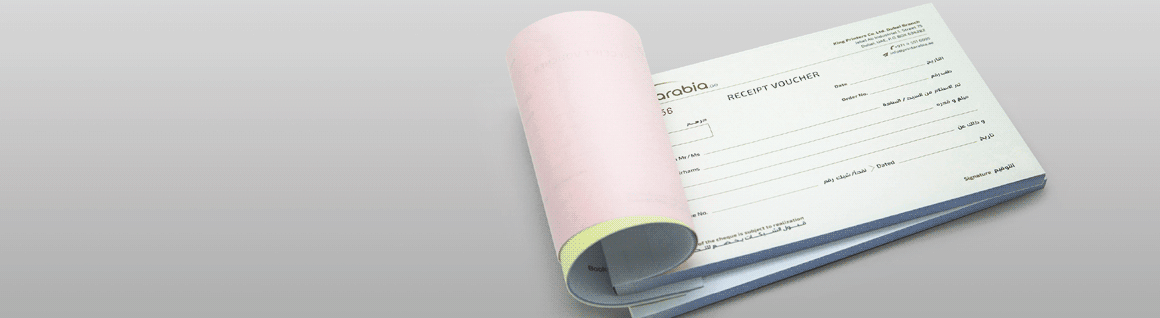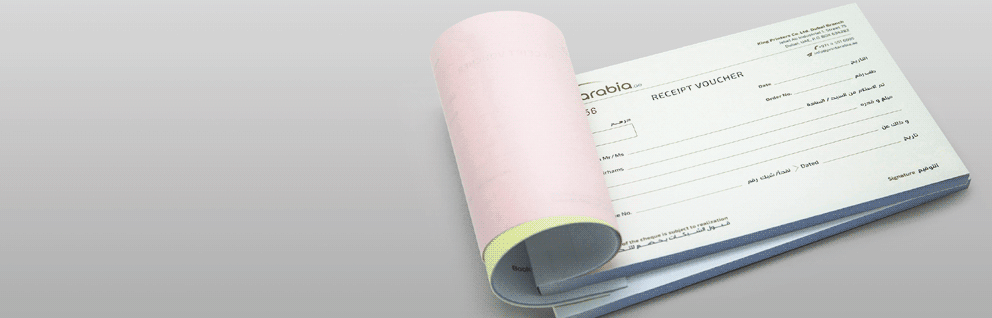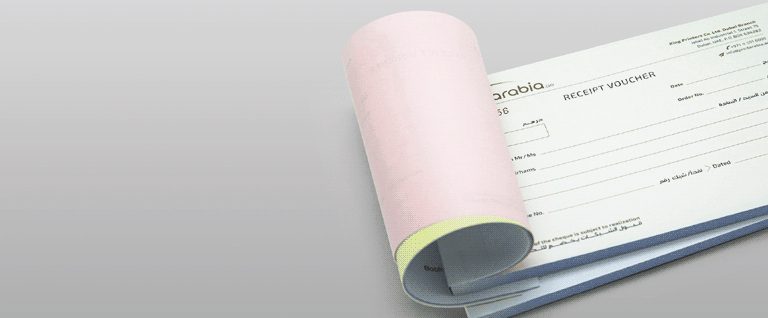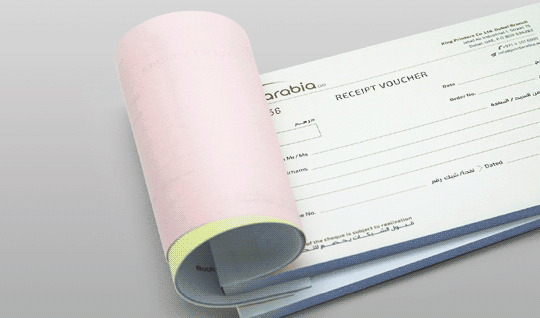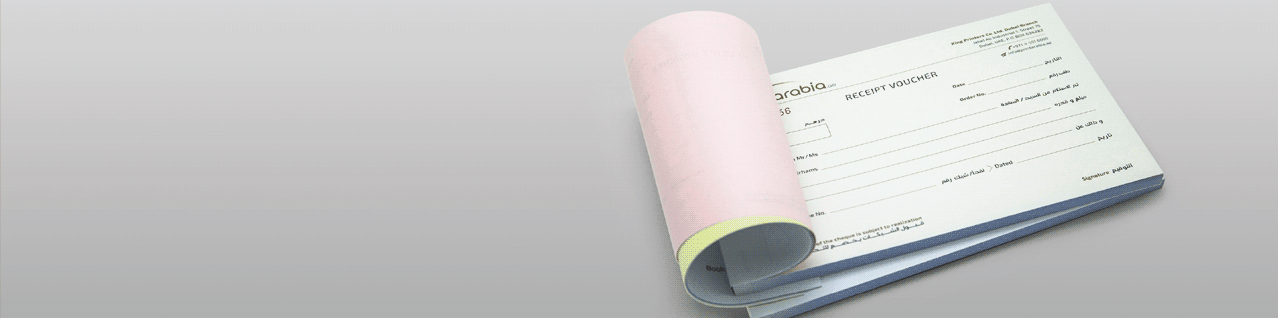
Invoice Book Printing

Stapled Business Forms in Duplications
Here are some points to consider if NCR Pads are right for you.
NCR Pads - Optional Duplications 1 Icon
Optional Duplications
2-part, 3-parts or 4-parts pads. 50 sets per book. A6, A5 or A4.
NCR Pads - Perforated 2 Icon
Perforated
NCR Pads are perforated, in 1 location, positioned anywhere.
NCR Pads - Numbering Finishing 3 Icon
Numbering Finishing
Sequential numbering positioned anywhere
NCR Pads - Fast & Reliable Delivery 4 Icon
Fast & Reliable Delivery
Anywhere in the UAE,
with trackable info
from 'My Account'.
NCR Pads - 1.1 Image NCR Pads - 1.2 Image
NCR Pads - 2.1 Image NCR Pads - 2.2 Image
NCR Pads - 3.1 Image NCR Pads - 3.2 Image

{[ template.title ]}
Paper & Prices (Incl.VAT)
Specifications
Sizes, Templates, Printing, Finishings, etc.
Size Sizes (in cm)

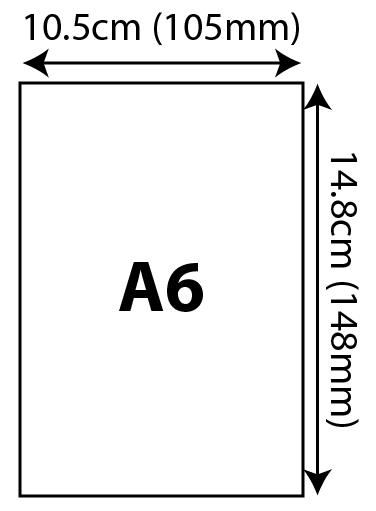
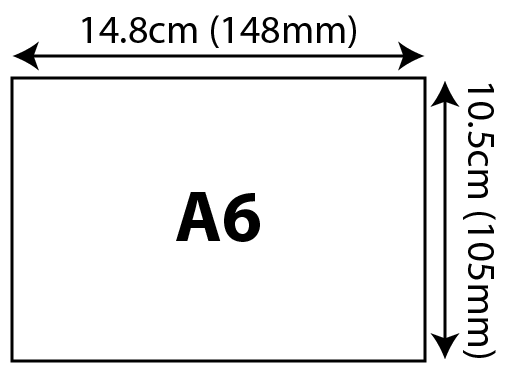
A6 (105x148mm)
NCR Pads - A6 (105x148mm) 105x148cm 01 Image
NCR Pads - A6 (105x148mm) 105x148cm 02 Image
A5 (148x210mm)
NCR Pads - A5 (148x210mm) 148x210cm 01 Image
NCR Pads - A5 (148x210mm) 148x210cm 02 Image
A4 (210x297mm)
NCR Pads - A4 (210x297mm) 210x297cm 01 Image
NCR Pads - A4 (210x297mm) 210x297cm 02 Image
Download templates
Quantity Quantity
Offered print-run: 10~200 copies
  • 1
  • 10
  • 50
  • 100
  • 250
  • 500
  • 1,000
  • 2,000
  • 5,000
  • 10,000
Printing Printing
CMYK full colour. One side (4c/0c) printing.
Finishings Finishings
Perforation
Perforation finish refers to tiny holes which are punched onto the paper, which allow you to separate it by folding and tearing along the dotted lines.
+1 Working Day
Coming Soon
Numbering
Make your tickets identifiable with sequential numbering. Choose 1 or 2 location depending on what you need.
+2 Working Days
Numbering video thumbnail
Youtube Play
Subscribe our video channel for more info
Turnaround
5 Business Days (not included Sat, Sun & Holidays)
Exclamtion Production will only start after you have approved the digital proof of your submitted data.
The proof approval deadline is strictly by 1pm.
5 Business Days Turnaround Schedule
  • Today
    1pm
    Proof approval by 1pm
  • Day 1
    Production Period
  • Day 2
    Production Period
  • Day 3
    Production Period
  • Day 4
    Production Period
  • Day 5
    3pm 8pm
    Delivery Schedule
Overview of Weekly Turnaround Schedule
Mon 1pm
Sat (3pm-8pm)

Following Week

Tue 1pm
Sun (3pm-8pm)

Following Week

Wed 1pm
Mon (3pm-8pm)

Following Week

Thu 1pm
Tue (3pm-8pm)

Following Week

Fri 1pm
Wed (3pm-8pm)

Following Week

+ Additional 1 day for delivery outside Dubai
Frequently Asked Questions

What are NCR Pads, and how are they used?

NCR (No Carbon Required) pads are used to create instant, duplicate copies of handwritten or printed documents without needing carbon paper. They’re ideal for invoices, receipts, delivery notes, receipt vouchers and other business forms where a copy is needed for record-keeping.

What options are available for NCR Pad sizes and colors?

Our NCR Pads come in various standard sizes, including A4, A5, and A6, and you can choose from original +1, original +2, original +3  . We also offer different paper color options for each layer, such as white, yellow and pink, to help you distinguish copies.

Is there a minimum order requirement for NCR Pads?

Yes, the current MOQ is 10. We have flexible minimum order quantities to accommodate both small and large businesses. Contact us to discuss your specific needs, and we’ll help you find a solution that fits your requirements.

How long does it take to receive customized NCR Pads?

Production time typically ranges from  5-7 business days, depending on the complexity and size of your order. Rush orders are available if you need quicker delivery, and our team will work with you to meet tight deadlines whenever possible.

What are the common types or semantic names of NCR Pads?

NCR Pads are often referred to by their specific business use, such as Receipt Vouchers, Invoice Books, LPO Books, Purchase Order Books, Delivery Note Pads, and Payment Vouchers. These terms help identify the purpose of the NCR forms and are frequently used by businesses across various industries.

How to order

It’s simple. It’s easy. It’s just a few clicks away

Step 1

Select your desired
product from menu

Step 2

Upload your data, or
ask for design service

Step 3

Review order and
make payment

Step 4

Receive order and
delivery notifications

Step 1: Select the product you want and customise to your liking.
Select the product you would like to order

Clicking the ‘Check Prices’ or ‘Order Now’ button will take you to the ‘Configuration & Upload’ page.

Customise your specifications by selecting size, paper, colour, quantity and any finishing options.
Depending on which options or finishings are selected, the estimated delivery date will adjust.
The price sub-total will automatically update at the bottom.

Step 2: Upload your artwork or use our graphic design services.
Upload your work

Good If...

  • You have a print-ready design
  • Your artwork was created in design software or by a designer
Pre-made templates

No special software needed.

  • Select the template you like best
  • Add your own text and logo
  • Make a custom design in minutes!
Step 3: Review your order details & approve your digital proof.
Printing starts only after you confirm your digital proof.

We check the file(s) you uploaded for anything that might cause an error in printing.
If we come across a problem you will be notified by email and we wait for you to re-submit your artwork.

Once your data has cleared our quality checklist, we will send a digital proof of your data for you to confirm.
A delay in the approval process will cause a delay in the printing & delivery schedule.

Step 4: Your order is printed, packed and prepared for delivery.
We keep you posted for the fast and reliable delivery schedule

Approved data is sent to the factory for production. We trim your order down to its final size, then it is
bound together with a sash and wrapped in brown paper for protection. When your order is ready to ship,
we will notify you by email, Whatsapp or by phone (for deliveries within Dubai).

Deliveries to all other Emirates are shipped out via courier to arrive the following business day.

Know Before Order

While preparing your data, please take note of the following

CMYK Data Circle Check Img
CMYK Image
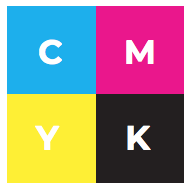
  • Data saved in CMYK colours is the correct format, as printing on paper is done by combining four colour inks: CMYK (Cyan, Magenta, Yellow and Black).
PANTONE Data Circle Remove Img
Pantone Image
  • We don’t print Pantone or Spot colours for Large Formate printing. If your data has Pantone or Spot colours, you must convert it to CMYK colours.
  • If above is disregarded, than Spot/ Pantone colours will be converted to CMYK colours. In such case, expect a colour shift in printing
RGB Data Circle Remove Img
RGB Image
  • Data in RGB colours (primarly used for Monitors, TV Screens and Phones) are not correct colours at all for printing on paper.
  • Make sure your data is created or converted to CMYK, and not RGB. If not, we will change to CMYK colours. In such case, colours may come out different.

Warning Img Print Arabia will not be held responsible nor reprint orders due to poorly prepared data.

If in doubt please see our Artworking Guidelines for more information on how to prepare your data.

Where colour accuracy is critical, we strongly recommend investing in a printed sample to avoid disappointment.

TOP
Appointment'